 Русский
 Հայերեն
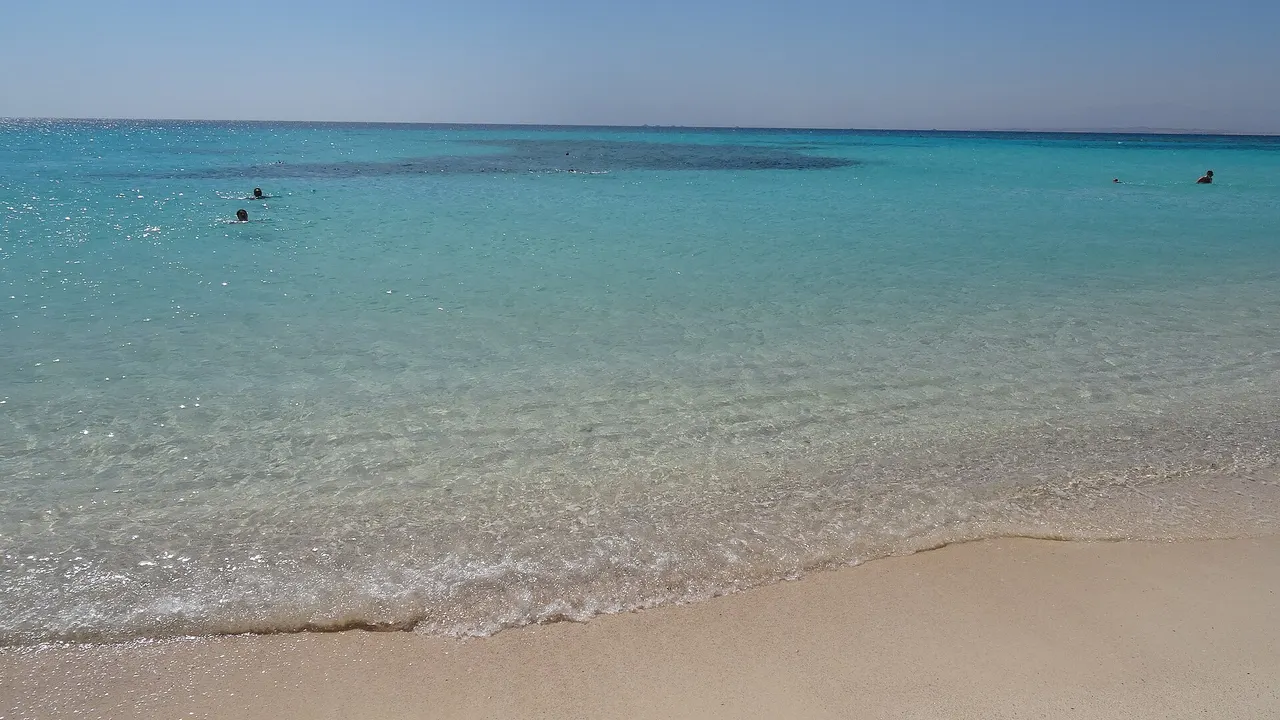
Egypt means the beaches of Hurghada and Sharm El Sheikh, diving in the Red Sea, and day trips to the pyramids. Almost all of it depends on mobile data: a map to your hotel, messages with your guide, a taxi in town, photos to the cloud, and a call home. Here is how to get connected in Egypt without overpaying or standing in lines.
Mobile operators and coverage in Egypt
The country has four mobile operators: Vodafone Egypt, Orange Egypt, Etisalat Misr, and the state-owned WE (Telecom Egypt). All of them have decent 4G coverage in the resort towns and in Cairo, and 5G in some places.
The catch in Egypt is distance. Hotels in Hurghada and Sharm often stretch along the coast, while excursions take you into the desert, to Saint Catherine's Monastery, or to Luxor hundreds of kilometers away. On highways and in the desert the signal gets weaker, although there is usually coverage along the main routes.
Roaming with your home operator
The simplest option is to buy nothing and just turn on roaming. You keep your number, bank SMS messages come through, and there is nothing to set up. But mobile data in Egypt on roaming from Russian and CIS operators usually costs several times more than local data, and the bill grows quietly: after landing, your phone finds a network and immediately catches up on app updates, messenger syncing, and photo uploads to the cloud. On a trip to Cairo or Luxor, far from hotel Wi-Fi, you can easily spend more on roaming than an entire eSIM package costs. Before you fly, open your operator's app and check the price of a day of data, the package size, and what happens when it runs out: slower speeds or per-megabyte charges. It makes more sense to keep roaming as a backup for the first few hours and to use a local network through an eSIM or SIM as your main connection.
Physical SIM or eSIM
Local SIM cards in Egypt are sold at the airports in Hurghada, Sharm El Sheikh, and Cairo, as well as in carrier stores. You need a passport to register one, and sometimes your entry details. The upside is cheap data and a local number. The downsides are familiar to anyone who has bought a SIM after an overnight flight: a line, paperwork, and having to take your own SIM out of a single-slot phone, which means your bank's SMS messages will not reach you.
An eSIM spares you all of that. It is a SIM card built into your smartphone that you activate with a QR code. For travelers from Russia it has several important advantages:
- you buy it in advance, at home, paying with a Mir card or via SBP (Russian payment methods);
- the QR code arrives by email right after payment, so there is nothing to hunt for on arrival;
- data works within minutes of landing, while you are still at the airport;
- your Russian number stays in the phone as a second line, so bank SMS messages still arrive;
- no passport and no trip to a carrier store.
If the technology is new to you, start with a simple explanation of what an eSIM is and how it works.
Comparison: roaming, local SIM, and eSIM
| Roaming | Local SIM (Vodafone, Orange, WE) | eSIM | |
|---|---|---|---|
| Where to get it | nothing needed | airport, carrier store | online before the trip |
| Data on arrival | right away, but expensive | after registration | right away |
| Passport | not needed | needed | not needed |
| Your number and bank SMS | yes | only with two SIM slots | yes |
| Paying from Russia | through your operator's bill | on the spot | with a Mir card or via SBP |
| Best for | 1–2 days | a long trip with a local number | a 3–30 day vacation |
How to install an eSIM with a QR code
It is best to install the profile in advance, at home on Wi-Fi.
iPhone: Settings → Cellular → Add eSIM → Use QR Code → point the camera at the code from the email.
Android (Samsung, Pixel, and others): Settings → Connections → SIM manager → Add eSIM → scan the QR code.
When you land in Egypt, turn on the eSIM line, select it for mobile data, and turn on data roaming for it. This is just a technical mode: the package is already paid for, and there are no extra charges. It is best to turn off mobile data on your main SIM so you do not get a roaming bill. Detailed setup instructions are in the article how to avoid roaming charges abroad.
Which phones support eSIM
eSIM works on iPhone XS and newer, Google Pixel 3 and newer, flagship Samsung Galaxy phones (S20 and newer), and many mid-range models. The phone must not be locked to a specific carrier. To check your model, see the guide does your phone support eSIM.
How much data to get for a vacation in Egypt
Many Egyptian hotels are all-inclusive with Wi-Fi on the grounds, so you mostly need mobile data on outings: taxis, markets, excursions, and navigation. As a rough guide:
- a week at a resort with hotel Wi-Fi usually takes 3–5 GB;
- active trips, Cairo and Luxor, lots of photos and videos: get 10 GB or more.
To estimate your usage more precisely based on your habits, see our breakdown of how much data you need on a trip.
At the resort, hotel Wi-Fi saves your data; on outings and excursions it goes faster. Here is what actually uses up your package:
- navigation and maps: about 5–15 MB per hour;
- messengers and social media (text): 100–300 MB per day;
- camera translation: 1–5 MB per photo;
- photos and videos to the cloud: use up your package fastest;
- video calls and short videos: 300–600 MB per hour and more.
The main tip is to turn off automatic photo uploads to the cloud over mobile data: your package will last noticeably longer.
What to do if you run out of data
If your package is running low, you do not need to buy a new eSIM and install a new profile. You can top up the same eSIM on your eSIM24 eSIM page or in your account, again paying with a Mir card or via SBP. You can also see how many gigabytes you have left there.
Frequently asked questions
Does an eSIM work at the resorts in Hurghada and Sharm El Sheikh?
Yes. An eSIM connects to the local operators' networks, so in resort towns, hotels, and on the promenades the coverage is the same as with local SIM cards. On long excursions into the desert the signal may drop out, as it does for everyone.
Can I pay for an eSIM with a Russian card?
Yes, at eSIM24 you can pay with a Mir card or via SBP. That is one of the reasons travelers from Russia get an eSIM in advance instead of looking for a local SIM on arrival.
Do I need an Egyptian phone number?
For most things a tourist does, no. A travel eSIM gives you data, and it is easy to call through messengers. Bank SMS messages will arrive on your Russian number, which stays in the phone.
What about the internet on an excursion to Cairo or Luxor?
There is coverage on the main roads and in the cities. In the desert between sites the signal may drop out, so it is best to save your route map and important addresses offline in advance.
Summary
For a vacation in Egypt, an eSIM is the most convenient option: buy and install it at home, pay with a Russian card, and simply turn on the line when you land. A local SIM is useful if you need an Egyptian number and are staying for a long time, and roaming is worth keeping as a backup for the first few hours.
Plans and prices are on the eSIM for Egypt page.