
 Русский
 Հայերեն
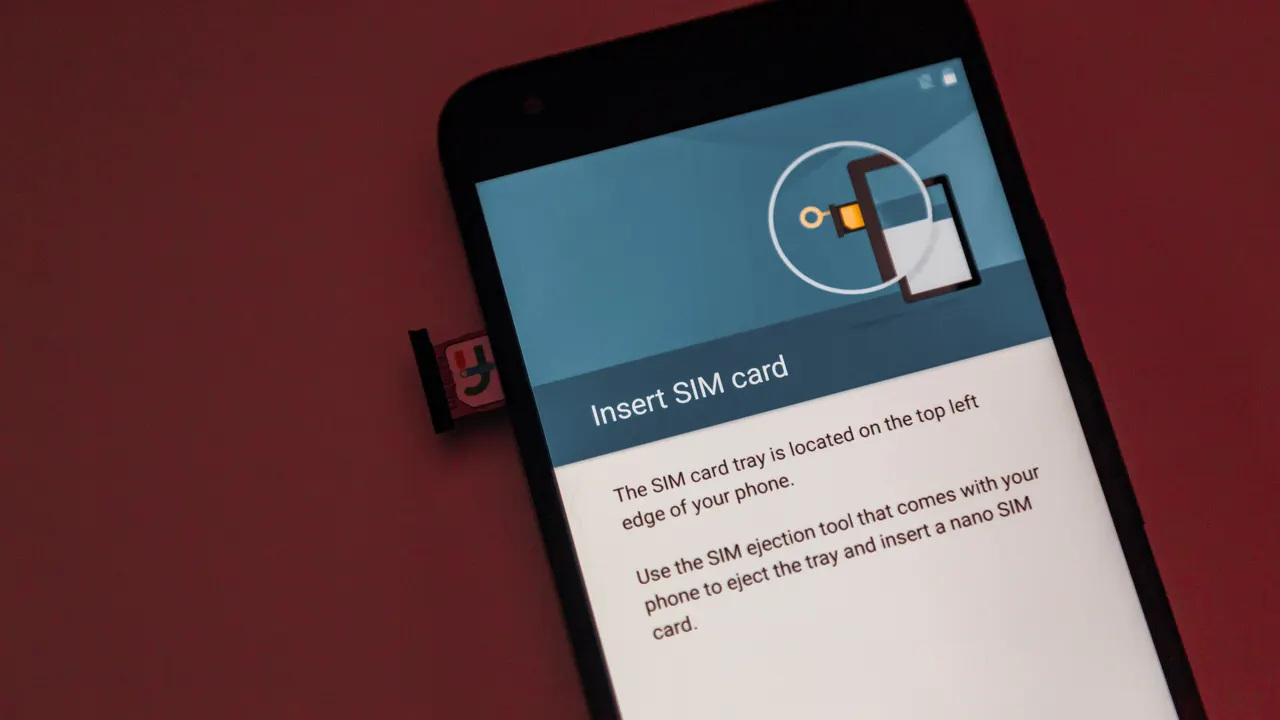
Before you buy an eSIM for a trip, it's worth spending a minute to make sure your phone supports it. Most smartphones from recent years work with eSIM, but there are exceptions: regional versions, budget models, and devices locked to a carrier.
Below are four ways to check, from the fastest to the most reliable.
Method 1. The *#06# code: the fastest
Open the Phone app and dial *#06# as if it were a regular number. The screen will show technical information about the device.
- If the list includes an EID line (a long 32-digit number), your phone supports eSIM.
- If there's only the IMEI and serial number, with no EID, eSIM is most likely not supported.
This method works on iPhone and on most Android smartphones. If the code doesn't work, move on to checking in the settings.
Method 2. Check in the settings
iPhone
- Open Settings → General → About.
- Scroll down. If there's an EID line or a "Digital SIM" section, eSIM is supported.
- A second sign: Settings → Cellular has an "Add eSIM" option.
Samsung
- Open Settings → Connections → SIM Manager.
- If there's an "Add eSIM" option, you're all set.
Google Pixel and other Android phones
- Open Settings → Network & internet → SIMs (the name may differ).
- Look for an option like "Download a SIM", "Add eSIM", or "Add carrier".
On Xiaomi, Honor, Huawei, and other brands, the path differs from one interface skin to another. The easiest way is to type "eSIM" into the settings search.
Method 3. By phone model
If you don't have the phone at hand (for example, you're choosing an eSIM for a relative), you can go by the model.
| Manufacturer | Models with eSIM (rough guide) |
|---|---|
| Apple iPhone | XS, XS Max, XR, and all newer models, including the 2nd and 3rd generation SE |
| Samsung | Galaxy S20 and newer, Z Fold and Z Flip, some A-series models |
| Google Pixel | Pixel 3 and newer (depends on the country of purchase) |
| Xiaomi, Honor, Huawei, OPPO, Motorola | Only certain models, often flagships |
This is a guide, not a guarantee. The same model can be released in different versions for different markets, and some of them don't have eSIM.
An important exception: iPhones for mainland China. Most iPhones made for sale in China got two trays for physical SIM cards instead of eSIM. If your phone was bought there, be sure to check for an EID.
Method 4. Check that your phone isn't locked to a carrier
Even if eSIM is supported, it won't work on a phone with a SIM lock, which ties it to a single carrier. This happens with devices bought on contract in the US, Japan, Europe, and other countries.
How to check:
- iPhone: Settings → General → About → Carrier Lock. It should say "No SIM restrictions."
- Android: insert a SIM card from another carrier. If the phone sees it and gets a signal, there's no lock.
Phones bought from official retailers in Russia, Armenia, Belarus, and Kazakhstan are usually sold without a carrier lock.
What to do if eSIM isn't supported
If none of the methods showed eSIM support, you have a few options:
- Buy a local SIM card after you land: it takes longer and is often more expensive, but it works on any phone.
- Turn on roaming with your own carrier: the most expensive option, but there's nothing to set up.
- Share internet from the phone of a travel companion who has an eSIM: one package is often enough for two.
Frequently asked questions
Can eSIM be enabled through software if the phone doesn't have it?
No. An eSIM is a separate chip on the phone's board. If it isn't there, no update or app will add it.
Do tablets and watches support eSIM?
Many iPads with a cellular module and some Android tablets support eSIM. Smartwatches with eSIM are usually tied to the plan of your "main" carrier and don't work with travel packages.
How many eSIMs can I install on one phone?
Usually several: on an iPhone, for example, you can store eight or more profiles. As a rule, two lines are active at the same time: your main SIM and one eSIM.
Bottom line
Dial *#06#: if there's an EID line, eSIM is supported. Then make sure the phone isn't locked to a carrier. If both conditions are met, you can buy an eSIM for your trip.
Not sure about your model? Message eSIM24 support before buying, and we'll check. And if everything's fine, choose a country in the catalog. We explained what an eSIM is and how it works in detail in a separate article.